
Google Ad Scam Alert on Foreca
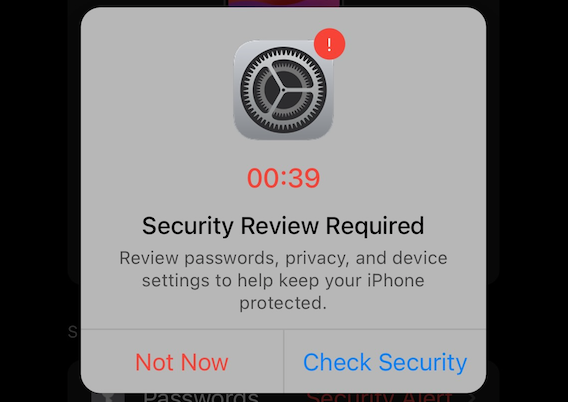
I first got wind of this from my mom who got a similar scam ad that she described as being what sounded like a normal iOS system notification about a virus on her iPhone. I figured it was just a website pop up, but she sent me a screenshot of it as an overlay on her iPhone Home Screen, which seemed odd.
Then this week I was checking the weather in Foreca—a weather app that sources better Canadian weather data than Apple's stock weather app, particularly in winter. It's free with ads or you can pay $1.99 for 3 months or $6.99 for 12 months for an ad-free version. I'm cheap and still testing it out so I'm on the ad version.
But this week I got an ad pop up that looked like this:
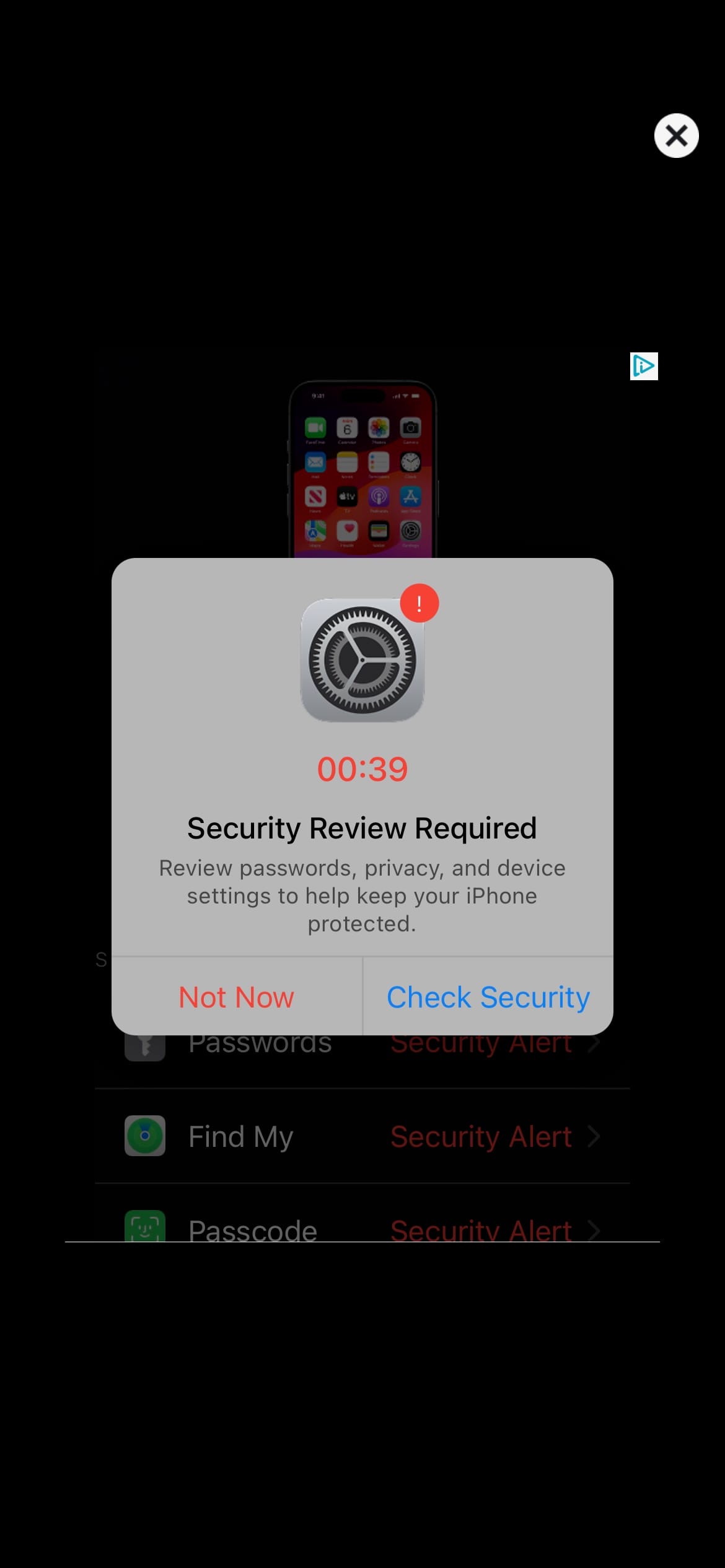
Any Apple nerd will recognize it as not an official pop up screen. It's nothing I've ever seen iOS pop up. Plus it has the big "X" in the top right corner to get rid of it. Very obviously a pop up and not a system notification.
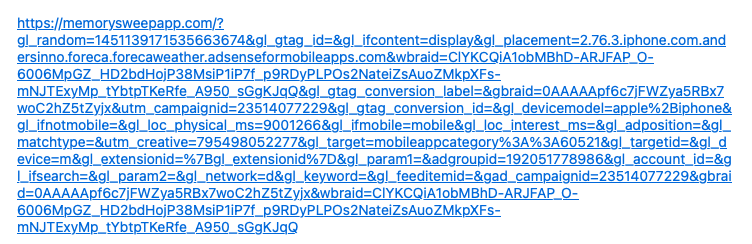
But most people using an iPhone aren't Apple nerds. And of course, as you might assume, if you tap anywhere on the ad regardless of whether it's "Not Now" or "Check Security", it takes you to a page with a URL that looks like this:
The first time I got it and realized it was a scam, I tried tapping the the little triangle in the top right corner of Google Ads which I know to be a way to report an ad for a scam to Google. There was a brief flash on the screen like an overlay was going to appear, and then nothing. Back to the ad.
So as far as I can tell, they're doing something to block that reporting mechanism from appearing.
I reached out to Foreca's support and got this response that shifted the blame to Google and also saw it as an opportunity for an upsell:
Sorry if the ad has been inappropriate. The ads are coming from Google's advertising network. If you see an inappropriate ad next time, just click the small light blue triangle icon in the corner of the ad. In the opening screen you can report to Google that the ad is inappropriate or if you don't want to see the ad anymore.
We are blocking this kind of ads all the time, but unfortunately Google doesn't provide any way to prevent this or other advertisers from creating a new similar ads in the future.
Alternatively we are providing an option to purchase an ad-free subscription in the app settings.
I just got the ad a second time this morning and confirmed that I was unable to tap the reporting triangle. I tried to screen record it, but of course you can't see my finger taps. But you can see the triangle blinking as I try to tap it.
Foreca Should Be Responsible, Not the User
What frustrates me about this situation is that somehow Foreca feels like they can pass on the responsibility for an ad in their app to me the user, as if I chose which ads to appear in their app.
I'm also frustrated that Google apparently doesn't give app developers who use their Adwords program the ability to block ads like this from appearing—though I kind of suspect they do?
And finally, I'm frustrated that Google makes billions off ads like this and doesn't do better at weeding out the scams. I realize it's whack-a-mole on the internet for scammers, but that's Google's problem not the users. And especially not the non-developer / Apple nerd users.
I can understand why Apple wanted to run iAD as their own advertising network alternative to Google, and why they discontinued it in 2016. It's a ton of work.


Member discussion